
Views: 0 Author: Nursen Publish Time: 2025-12-02 Origin: https://www.luphitouch.com


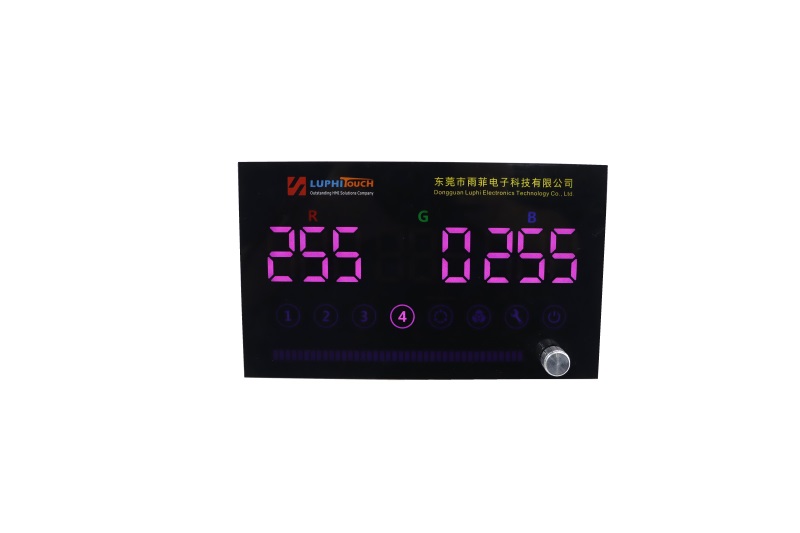
The RGB touch display combines RGB display technology with touch interaction functions, and is widely used in medical, educational, and commercial display fields. Its advantages and disadvantages can be analyzed from multiple dimensions such as display effect, interactive experience, adaptability to application scenarios, cost, and maintenance, as follows:
1、Outstanding display performance
High Color Reproduction: RGB panels combine red, green, and blue sub-pixels to precisely present a wide range of colors, supporting wide color gamuts (such as sRGB, Adobe RGB), ensuring accurate and highly saturated colors for images and videos. This meets the strict requirements for color accuracy in medical imaging applications like X-rays and CT scans.
High Resolution and Clarity: Supports FHD (1920 x 1080), 4K (3840 x 2160), and even higher resolutions, ensuring that text, icons, and image details are clearly visible, enhancing the intuitiveness and readability of information display.
High Brightness and Contrast: High brightness (such as above 500 cd/m²) ensures clear display in bright environments (like operating rooms, outdoors). High contrast (such as above 1000:1) enhances the sense of depth in images, making dark details richer and preventing overexposure in bright areas.
2、An intuitive and convenient interactive experience
Multi-touch support: Supports up to ten or more touch points, allowing multiple users to operate simultaneously and enhancing collaboration efficiency. For example, in medical training, several students can touch the screen at the same time for simulated operations or annotations.
Gesture Recognition Function: Supports zooming, rotating, sliding and other gesture operations to simplify complex command inputs and enhance operational smoothness. For example, in medical imaging systems, doctors can view the details of lesions by zooming with two fingers.
Instant Feedback Mechanism: Touch operations respond quickly (typically less than 10 ms), providing immediate visual or haptic feedback to enhance the user's confidence in their actions. For example, when clicking a button, the screen highlights or provides slight vibration feedback.
3、Wide adaptability to application scenarios
Medical Field: Used for central control in operating rooms (synchronized display of vital signs, equipment parameters), operation of imaging devices (such as parameter adjustment for CT machines), and bedside information screens in wards (displaying patient information, nursing plans), etc., to improve medical efficiency and safety.
Education Sector: As an intelligent teaching terminal, it supports multimedia courseware display, interactive Q&A, virtual experiments, etc., enhancing classroom interaction and interest.
Business Display: Used for product display, advertising playback, interactive guidance, etc. to attract customer attention and enhance brand image.
Industrial Control: In automated production lines, serving as a human-machine interaction interface, displaying equipment status and parameter adjustments in real time to improve production efficiency.
4、 Integration and Space Optimization
Integrated multifunction: Integrating display, touch control, computing and other functions into a single device reduces the need for external devices and simplifies the system architecture. For example, an intelligent ventilator uses an RGB touch screen to adjust parameters, monitor data, and provide alarm prompts.
Space-saving design: Wall-mounted or built-in options save desktop or floor space, ideal for confined spaces such as operating rooms and small clinics.
5、Durability and reliability
Safety Design: Incorporating anti-glare coating, fingerprint-resistant coating, and strengthened glass (such as Corning Gorilla Glass) to enhance the durability of the panel, reducing scratches and fingerprint residue.
Environmental adaptability: Supports IP65 or higher protection level, dustproof and waterproof, suitable for high humidity and high foot traffic hospital environment; some models have radiation-proof design, applicable to the periphery of radiological equipment such as CT.
1、 Costly
Hardware Cost: RGB touch panels require integration of high-precision display modules and touch sensors, resulting in material and manufacturing costs that exceed those of ordinary displays. For instance, a 4K resolution panel is significantly more expensive than an FHD panel.
Software and System Costs: The need to develop touch interaction software increases the development cycle and costs. For example, medical devices require customized operating systems to meet specific functional requirements.
Maintenance Costs: Replacement costs for damaged panels are high; regular calibration and maintenance (e.g., color calibration, touch sensitivity adjustments) also require specialized equipment and personnel.
2、Touch Sensitivity and Environmental Interference
Environmental Interference: Strong light, electromagnetic interference, or extreme temperatures may affect touch sensitivity. For example, under strong outdoor sunlight, the touch screen may misrecognize touches or respond slowly.
Surface contamination: water stains, oil stains or dust may obscure the touch sensor, causing malfunction. Regular cleaning and keeping the screen dry are necessary.
Wearable Device Interference: When users wear gloves or use a stylus, the lack of contact area may lead to inaccurate operation.
3、 Restrictive factors on display effects
Angle-dependency: Some RGB panels may experience color shift or brightness decay at side angles, affecting the simultaneous viewing experience for multiple people. To improve this issue, choose a wide-angle panel (such as IPS technology).
Reflection Issues: In bright light environments, screen reflections may reduce visibility. It is necessary to use an anti-glare coating or adjust the screen angle to minimize reflection.
Long-term aging: prolonged high brightness operation may cause panel aging, leading to color shifts, brightness decline and other issues. It is necessary to set the brightness reasonably and maintain it regularly.
4、System Compatibility and Complexity
Driver and Software Compatibility: Ensure that the touch panel is compatible with the operating system and applications to avoid driver conflicts or functional anomalies. For example, some medical software may require specific version drivers for support.
System Complexity: Integrating display, touch control, and computing functions may increase the complexity of the system, making it more difficult to diagnose and repair faults. Professional technicians are required for maintenance.
5、Privacy and Security Risks
Data breach risk: Touchscreens may store sensitive information, such as patient records or business data, and if not encrypted or adequately protected, they could be vulnerable to hacking or data breaches.
Risk of Misoperation: In critical scenarios such as healthcare, accidental touches may lead to incorrect adjustments in device parameters, affecting patient safety. It is necessary to design anti-misoperation mechanisms (such as confirmation dialog boxes and operation permission management).


